
Available with any of the following plans: Premium, and Hospitality Plus
Accessible to the following roles: Organization Manager, Organization Representative, or Manager
Setting up a Hostie user in your OpenTable allows Hostie to better handle any edge cases of reservation bookings, updates, or issues. Follow this guide to learn how set up a Hostie user in OpenTable.
Use the links below to jump to specific areas, or read from top to bottom and use the links within each section to navigate between areas:
Create an email address to use for OpenTable (return to top)
- Create an email address named zara@__________.___ within your business's domain . You will use this email address further down in this article.
How to set up a Hostie user in OpenTable (return to top)
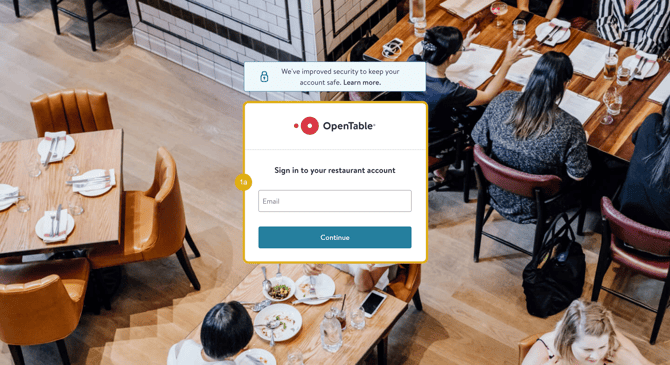
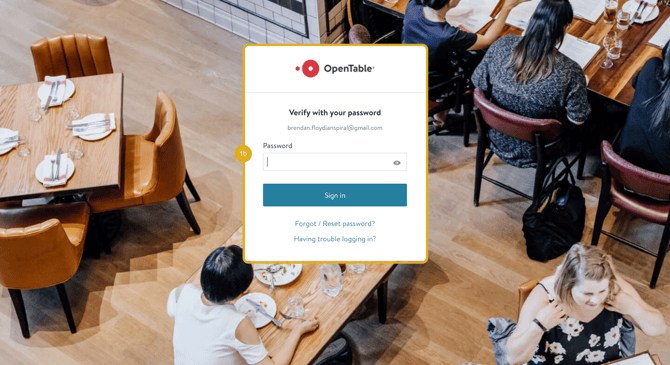
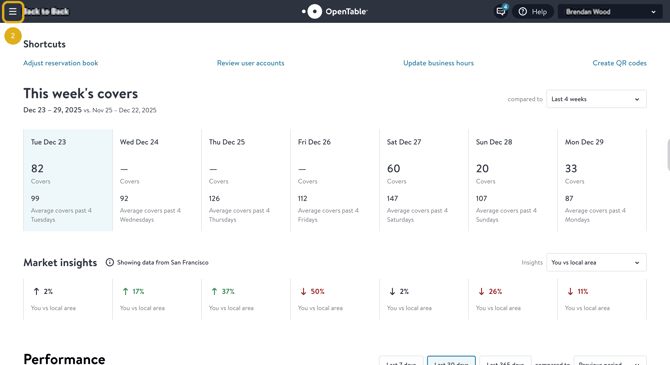
- Log in to your OpenTable guest center
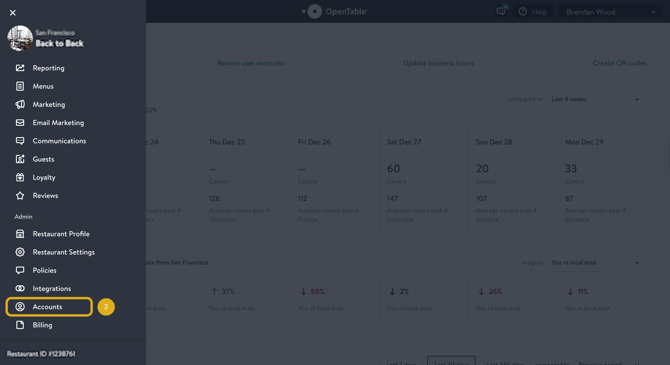
- Select the hamburger at the top-left corner of the screen to open the navigation menu
- Scroll down the navigation menu and select 'Accounts'
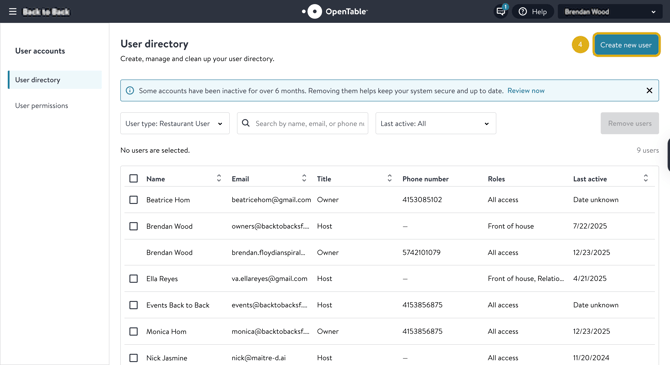
- Once in the 'Accounts' page, click select 'Create new user'
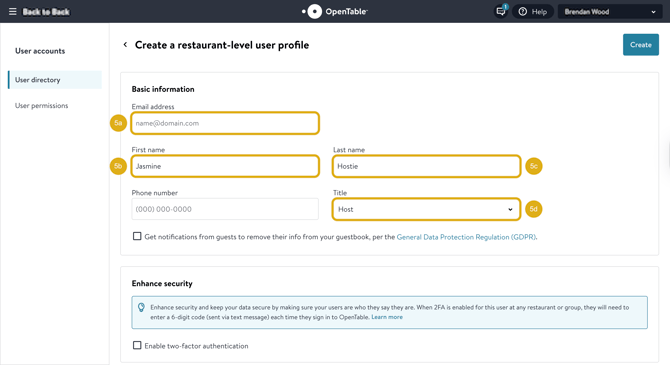
- Use the information below to create a Hostie user and select 'Create'
- Email address: Email address created above
- First name: Zara
- Last name: Lee
- Title: Host
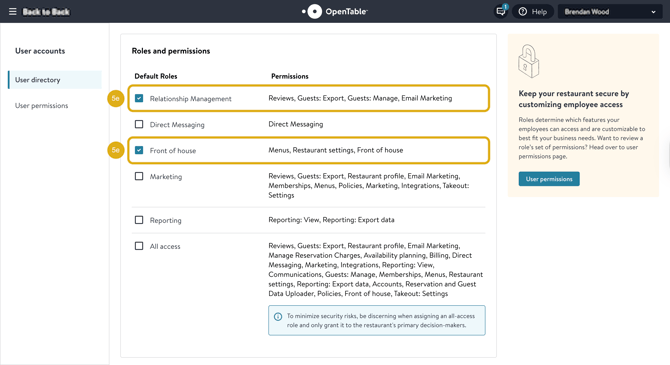
- Default roles: 'Relationship Management' and 'Front of house'
- You’ll receive an email to activate the account. Please click 'activate' and share the email and along with the password you created with us.
NOTE: Check your availability planning settings, as this is what is reflected when we book for you. If you do not see this available, reach out to opentable@hostie.ai to upgrade their account or if you have any questions.